

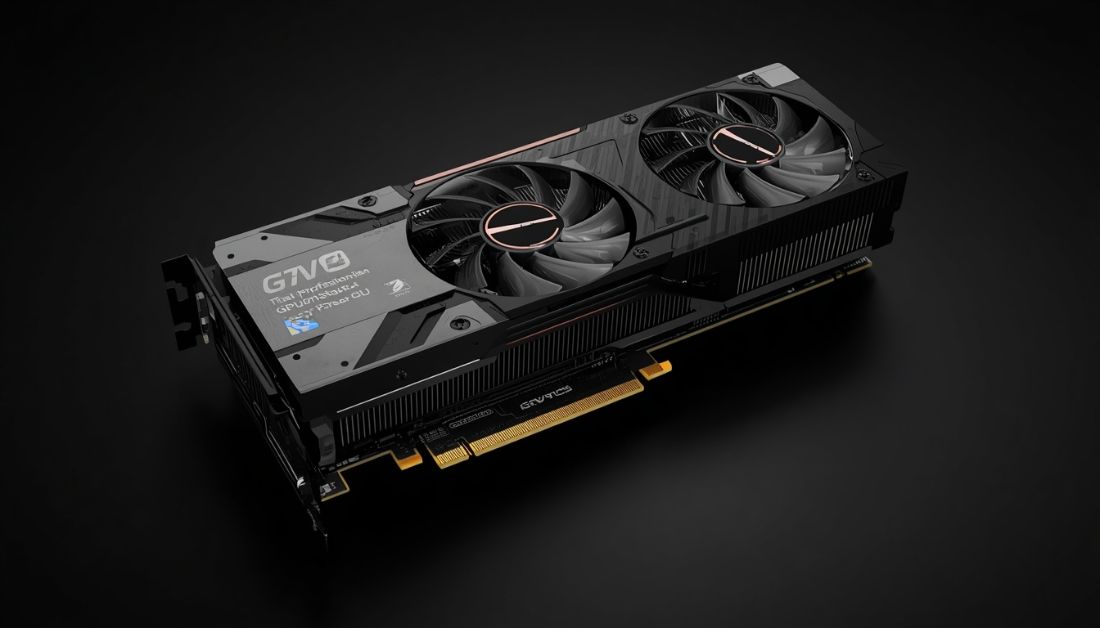
The common misconception that there are only two types of Graphics Processing Units (GPUs) is that there are gaming GPUs and professional graphics GPUs for workstations. While it is true that both categories of GPUs are designed to render images and process data, there is a significant difference in their architectures, their drivers, and the certification tests that are performed on them. While a hobbyist gamer can still use a gaming GPU for his or her computer, professionals rely on workstations and their GPU to perform their jobs in a timely manner.
Architecture Designed for Different Purposes
GPUs are also designed for different markets. Gaming GPUs are designed to play games in real time, to render as many polygons as possible at the highest frame rate. They are also designed to render a high number of complex shader effects. The GPUs in workstations are typically designed for specific tasks, like 3D modeling, 2D design, and video editing. While many of these applications also require rendering a high number of polygons in real time, the primary focus of these GPUs is to provide high levels of performance and stability over a long period of time.
There are many differences, but one of the biggest differences between gaming GPUs and professional workstation graphics cards is the design philosophy. For gaming cards, the focus is on high frame rates in real time rendering scenarios. This means that GPUs are designed to render as many polygons as possible and perform as many calculations as required in the highest number of frames per second. In professional applications, there are many scenarios where high frame rates are not relevant. Instead, what is more important is the ability to perform tasks with precision. As a result, professional workstation graphics processing units are designed with precision as the primary focus and are engineered to function in specific professional applications in the most stable manner and with the highest levels of performance. The firmware and the drivers that support the GPU in a workstation also play critical roles in the card’s functionality and performance. Furthermore, professional workstation graphics processing units undergo a much more rigorous certification process than their gaming counterparts. This is because each card is tested and validated to ensure that it functions in a stable and precise manner in the many different scenarios required by the specific professional applications in which it will be used.
Gaming GPUs are equipped with large amounts of GDDR6 memory that are optimized for very high bandwidth, and are typically used for large amounts of data such as very large textures. Workstation GPUs, on the other hand, are typically equipped with ECC (Error Correcting Code) memory that can detect and even correct the occasional bit flip in data. This is critical in fields such as designing bridges, where a single bit flip in a critical piece of data could potentially cause huge problems. The same applies to modeling pharmaceuticals.
Workstation cards are put the chips through a much more rigorous testing process (binning). Chips that fail to meet their highest standards for Workstation products are sent to Gaming markets where they are used to make more cost effective Gaming products. Workstation cards are made from the very best silicon with a focus on the highest levels of stability.
Driver Support Makes the Difference
For drivers for gaming cards, updates are published on a monthly basis, and typically there are new optimizations and performance improvements for the latest releases, as well as currently popular games. As there are times when the updates for the drivers for gaming cards may cause problems in professional applications, updates for the drivers for professional processing cards are published less frequently. Although they are not published as often, each update for the drivers for professional processing cards has been put through a lot of testing in order to be very stable and to function correctly with professional applications.
The other difference between Gaming and Workstation Graphics Processing Units (GPUs) is the way that the driver for the GPU is developed. Gaming applications are typically updated on a monthly basis to include performance improvements, new features, and bug fixes for recently released games. This means that there are many updates to Gaming applications in a year, each of which must be tested for compatibility with professional software applications in order to find bugs and to ensure stable operation. Workstation applications, on the other hand, are typically updated on a less frequent basis (e.g. every 6-18 months). However, during the time between updates for a particular application, the driver for the GPU is put through its paces by test cases for hundreds of professional software applications from hundreds of Independent Software Vendors (ISVs). In the end, the NVIDIA Quadro GPUs and their drivers are tested with dozens of real applications to find every bug. Major updates for applications such as Maya or AutoCAD are validated to work 100% bug free from the very first day of release.
Support For Complex Workflows – The professional driver for a given GPU has gone through a rigorous testing and validation process to ensure that it is not only compatible with a large number of professional applications but also has been optimized for a number of complex workflows. The NVIDIA Quadro RTX A4000 GPU is the world’s first GPU to support real-time ray tracing in professional, datacenter-based applications and is specifically designed to accelerate architectures, product design and video production workflows. It is validated for over 40 different ISV applications including Autodesk Maya, 3ds Max and AutoCAD as well as Dassault Systèmes CATIA, SolidWorks and many others.
ISV Certification Matters
Dassault Systèmes CATIA certified GPUs – Dassault Systèmes put many GPUs through many tests of CATIA functionality and when they approved a configuration of GPUs for use with CATIA, they guaranteed that those GPUs would work well with CATIA. Thus for professional work with graphics processing units, ISV certification of use of GPUs with various applications is far more important than in gaming.
This type of certification is very important for companies with many employees to ensure that the computers will run large applications used in many industries. While a Gaming PC may run the applications very well and even stable enough to complete work, many IT departments do not approve for work in such computers, especially for companies with many employees.
Accuracy Over Raw Speed
Graphics processing is one of the areas of a computer where accuracy is even more important than processing power. That is, a GPU can be powerful, but if it does not accurately process numbers, then all is for naught. For this reason, GPUs that process the greatest amount of information with the greatest amount of accuracy use the strictest floating point number standards, and are also equipped with the greatest amount of error checking and correcting. It is not uncommon for a GPU which is capable of processing information for gaming to instead be used for processing information for a workstation.
A CFD model for a pharmaceutical company for modeling drug interactions on the human body. Calculating millions of numbers and a small rounding error can quickly be detected when a new drug is to be put on the market and cause a lot of harm or – worst case – even kill people. This kind of application does not require the fastest graphics card and gaming performance is of no relevance.
Support When You Need It
Professional workstation graphics cards come with extended warranties and have top-notch technical support. They even have graphics manufacturers’ engineers specializing in customers who operate rendering farms that, in the worst case, could be costing the user thousands of dollars an hour to run. The call is returned within hours to a consumer’s call left for gaming support – a support call that will be returned when the support person gets a chance to answer it.
We ensure that our Professional and Scientific customers have the support they need, 24/7, when it is needed most. The longer warranty and priority support allows for our customers to have priority service from NVIDIA and our Network of Technical Support Engineers (TSE.
There are two kinds of graphics processing units, GPUs: the gaming kinds and the workstation kinds. Most people view these two types of GPUs the same, they are after all both designed for rendering images, for performing large amounts of computations. Yet when it counts there are marked differences among these two types of GPUs that are very important to consider when buying a computer. These two types of GPUs are best used for two different purposes: gaming and work. Yes, you can perhaps use the gaming kinds of GPUs for your work, but then you will have to decide for yourself if the risks are worth the costs of the gaming kinds of GPUs. And remember that there are costs, the additional cost of the workstation kinds of GPUs is a cost for certified quality, it is a cost for your insurance against failures, against failures causing you downtime, against failures that you had not anticipated.
People Also Read: Best Square Prescription Glasses for a Bold & Modern Look

Welcome to Blessings There! I’m the creator and author behind this website. I love sharing useful insights, informative content, and knowledge that can add value to everyday life.