

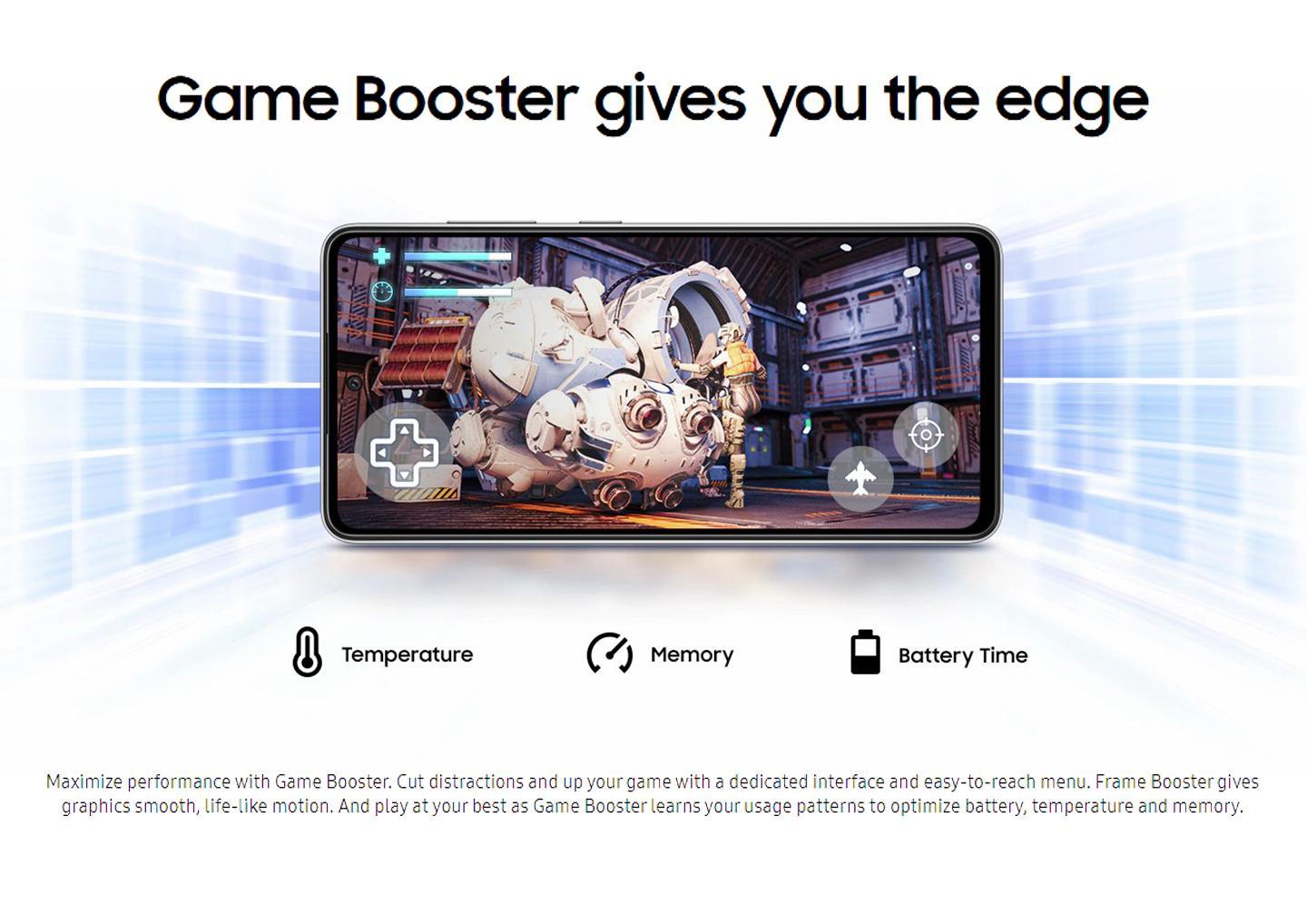
For the longest time, I thought my computer simply wasn’t powerful enough anymore.
Whenever a game started lagging or the frame rate dropped during intense moments, I immediately assumed my hardware was outdated. I even spent hours comparing graphics cards and processors, convinced that an upgrade was my only option.
Before ordering new parts, I decided to spend some time figuring out what was actually slowing my system down.
I’m glad I did.
The Problem Wasn’t Just My Hardware
One evening, I opened Task Manager while a game was running.
I was surprised by how many background applications were active. Some launched automatically when Windows started, while others continued running even though I wasn’t using them.
None of them seemed important individually, but together they were consuming memory and processor resources that my games could have used instead.
That’s when I started reading about Game Booster software.
What a Game Booster Actually Does
At first, I assumed a game booster was just another marketing term.
After doing some research, I realized its purpose was much simpler.
Instead of making the hardware more powerful, a game booster helps your computer prioritize gaming by reducing unnecessary background activity and freeing up available system resources.
That sounded much more realistic than software claiming to magically increase performance.
Trying It for Myself
I installed a game booster and tested it using games I played regularly.
The first thing I noticed wasn’t a huge jump in frame rate.
Instead, gameplay felt more stable.
Loading into games seemed slightly quicker, random slowdowns happened less often, and switching between different game areas felt smoother.
The overall experience simply felt more consistent.
For me, consistency matters far more than seeing an occasional high FPS number.
Why Frame Rate Makes Such a Difference
When games run at an unstable frame rate, the experience becomes much less enjoyable.
Fast movements may appear choppy, aiming can feel less accurate, and sudden performance drops can interrupt gameplay.
This is one reason why many gamers search for an FPS Booster when trying to improve performance.
Although no software can replace powerful hardware, reducing unnecessary system load can sometimes help games perform more efficiently.
Features I Appreciate in a Game Booster
After using different optimization tools, I’ve found that certain features make the biggest difference.
Resource Optimization
Temporarily reducing unnecessary background activity helps the computer focus more on gaming.
Simple Controls
I prefer software that lets me optimize the system without navigating complicated menus.
Performance Monitoring
Being able to view CPU and memory usage provides a better understanding of how the system is performing.
Faster Game Launch
Preparing the system before starting a game often creates a smoother experience from the beginning.
Lightweight Design
Optimization software should improve performance without becoming another resource-heavy application.
Other Things That Help
A game booster works best when combined with a few simple maintenance habits.
I regularly update my graphics drivers.
I close applications I don’t need before gaming.
I keep enough free storage available on my system drive.
I also restart my computer before longer gaming sessions whenever possible.
Together, these habits help maintain more stable performance.
Final Thoughts
I almost spent a considerable amount of money upgrading my PC before realizing that background processes were contributing to many of the performance issues I was experiencing.
Using a Game Booster didn’t turn my computer into a brand-new gaming machine, but it helped my existing hardware perform more efficiently.
If your games aren’t running as smoothly as they once did, trying an FPS Booster could be a practical first step. Sometimes improving the way your system uses its resources is enough to make gaming feel noticeably smoother without replacing any hardware.
