

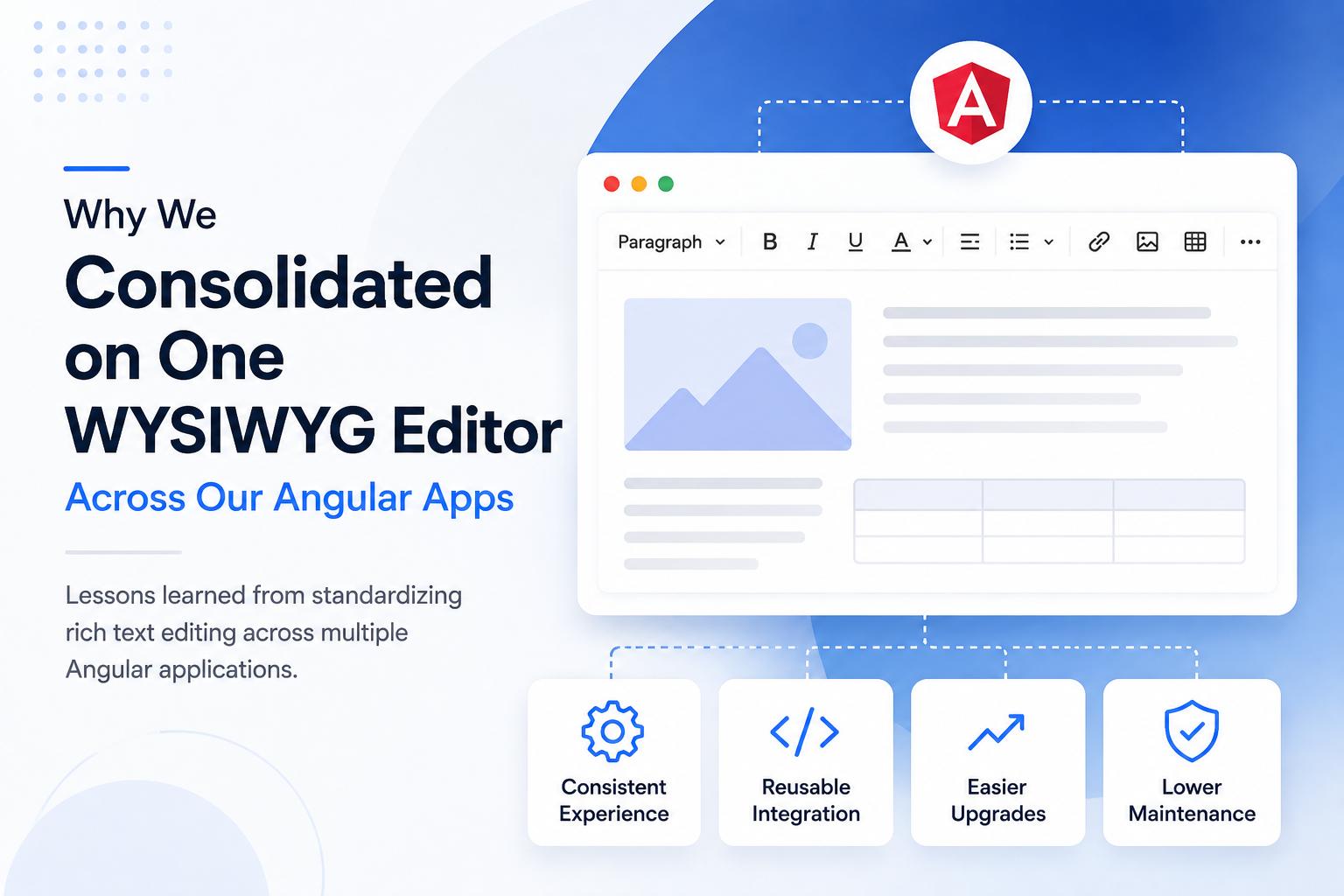
As our Angular application portfolio grew, so did the number of rich text editor implementations we had to maintain. One application used an editor for CMS content, another relied on a different solution for product descriptions, and an internal admin tool had its own editing setup.
None of these decisions looked unreasonable when they were made. Each team chose an editor that met the requirements in front of them. The problem only became clear later, when several applications needed similar editing capabilities but depended on different libraries, configurations, workflows, and upgrade paths.
At that point, rich text editing was no longer just a library choice. It has become an architectural concern affecting maintainability, developer productivity, UX consistency, security, and the effort required to keep our Angular applications up to date.
How We Ended Up with Multiple WYSIWYG Editors
Editor fragmentation rarely happens because a team deliberately decides to maintain several different editing stacks. More often, it develops gradually as applications are created, inherited, or expanded.
Some of our Angular applications had been built years apart. Different development teams selected the libraries they were most familiar with, while older applications continued using editors that were already deeply integrated into their workflows. In other cases, a proof-of-concept implementation became part of the production application because it worked well enough at the time.
Different product requirements also played a role. A customer-facing portal might need basic formatting and image support, while an internal CMS may require more advanced tables, media handling, or content-management features. When teams evaluate these requirements independently, choosing different editors can initially seem like the most practical option.
A typical environment can quickly look like this:
| Angular App | Editing Requirement | Result |
| Customer portal | Rich content creation | Editor A |
| Admin dashboard | Product/content management | Editor B |
| Internal CMS | Long-form content | Editor C |
| New application | Similar editing requirements | Another decision required |
The complexity becomes more noticeable as the application portfolio expands. Every new project raises another editor-selection question, while existing teams continue maintaining their own integrations.
Eventually, the more useful question is no longer, “Which editor should this application use?” It becomes: Do we really need multiple editing stacks?
What Problems Did Editor Fragmentation Create?
Using different editors worked at the application level, but across our Angular portfolio, it created unnecessary complexity for both users and developers.
Inconsistent User Experiences
Each editor handled common tasks differently. Toolbars, keyboard shortcuts, formatting, paste behavior, image workflows, tables, and mobile interactions varied across applications.
For users moving between products, this meant relearning controls for essentially the same editing tasks. Standardizing the experience became increasingly important as our applications grew.
Duplicated Angular Integration Code
Each editor also required its own Angular integration. Teams maintained separate configurations, event handling, form integration, validation, uploads, plugins, styling, and tests.
That duplication made improvements harder to reuse. A feature or fix implemented for one editor often had to be implemented differently in another.
More Upgrade and Testing Work
Multiple editors meant tracking multiple release cycles, dependencies, security updates, breaking changes, and Angular compatibility requirements.
Angular upgrades made this especially noticeable. Instead of validating one shared integration, teams had to test each editor independently to ensure existing editing workflows still worked.
Knowledge Becomes Fragmented
Editor-specific knowledge became fragmented as well. Developers familiar with one implementation could not necessarily troubleshoot another without learning its APIs, configuration, and custom code.
This added friction to onboarding, code reviews, troubleshooting, and moving developers between applications.
Why We Decided to Standardize on One Editor
Standardization was not simply about choosing the editor already used by the largest application. We needed one solution capable of supporting the shared requirements across our Angular portfolio.
Our evaluation focused on questions such as:
- Does it integrate cleanly with modern Angular applications and forms?
- Can configuration and functionality be reused across projects?
- Does it provide the formatting features our applications need?
- Are its APIs and events flexible enough for customization?
- Can we standardize image and file handling?
- Does it provide sufficient control over generated HTML?
- Does it meet our accessibility and performance requirements?
- Is it actively maintained and well documented?
- Is its licensing suitable for use across multiple applications?
- Does it provide a manageable long-term upgrade path?
This changed the decision from choosing an editor for one application to choosing a shared foundation for rich text editing across several products.
Standardization only makes sense, however, when one editor can satisfy those common requirements without forcing significant compromises on individual applications.
Building a Shared Angular Editor Layer
Choosing one editor was only the first step. To get the full benefit of consolidation, we also needed to standardize how our Angular applications integrated with it.
Instead of configuring the editor separately in every application, we created a reusable Angular abstraction:
Angular Applications
↓
Shared Editor Component
↓
Common Configuration
↓
Angular WYSIWYG Editor
The shared component can centralize toolbar configuration, formatting rules, events, validation, image and file handling, sanitization, styling, accessibility settings, and other default behaviors. Individual applications can then extend these defaults only when they have specific requirements.
The key principle is simple: standardize the integration, not just the dependency. Using the same npm package everywhere does little to reduce fragmentation if each team still implements and configures it differently.
What Improved After Consolidation?
Moving to a shared editor architecture simplified several parts of development and maintenance.
One Integration Pattern
Developers now have one consistent approach to initializing, configuring, and interacting with rich text editing across Angular applications.
More Consistent UX
Shared toolbar configurations and editing behaviors provide a more predictable experience for users moving between products.
Easier Angular Upgrades
When upgrading Angular, we can validate one common editor integration rather than several unrelated implementations.
Reusable Features
Common capabilities such as image uploads, custom toolbar actions, validation, and editor events can be implemented once and reused across applications.
Simpler Testing
Core editor behavior can be covered by shared tests, with application-specific tests added only where requirements differ.
Faster Developer Onboarding
Developers can rely on common documentation, configuration patterns, and implementation knowledge instead of learning a different editor for each project.
Lower Long-Term Maintenance
Bug fixes, configuration changes, and editor upgrades can be applied through the shared integration rather than repeatedly addressed across separate implementations.
What Would We Evaluate Before Consolidating Again?
Consolidation has clear benefits, but it also introduces tradeoffs. If we made the decision again, we would evaluate several areas before committing to one editor:
- Feature coverage: Can the editor meet the requirements of all applications?
- Extensibility: Can applications add specialized functionality without breaking the shared architecture?
- Migration effort: How much work is required to migrate existing configurations, plugins, CSS, and content?
- Backward compatibility: Will previously stored HTML continue to render and edit correctly?
- Performance: Does the shared solution add unnecessary functionality or bundle weight to simpler applications?
- Accessibility: Does it meet requirements for keyboard navigation, semantic output, and accessible editing?
- Security: How does it handle sanitization, HTML, uploads, and other content-related risks?
- Licensing: Is the licensing model appropriate for organization-wide deployment?
The goal should not be standardization at any cost. Consolidation works best when the applications share enough requirements that one editor can reduce technical variation without limiting the capabilities individual products actually need.
Choosing an Angular Rich Text Editor for a Shared Architecture
Choosing an editor for several Angular applications requires a broader evaluation than selecting one for a single project. The editor becomes part of a shared architecture, so teams need to consider how well it can be reused, customized, and maintained over time.
Key criteria include Angular and form integration, active maintenance, clear documentation, extensible APIs, configurable toolbars and plugins, event support, consistent HTML output, image and file workflows, accessibility, and performance. Teams should also consider the long-term upgrade path and whether commercial support is available when required.
For teams evaluating an Angular rich text editor for a shared architecture, Froala is one option that provides Angular integration alongside configurable features, APIs, events, and customization capabilities that can be standardized across applications.
The goal is to choose an editor that meets current product requirements while remaining practical to maintain and extend as the application portfolio evolves.
When Consolidating on One Editor May Not Be the Right Choice
Standardization is not always the best approach. Different editors may still make sense when applications have fundamentally different editing requirements or one product depends on specialized capabilities that a shared solution cannot provide efficiently.
Migration costs also matter. Replacing a stable editor in a legacy application may offer little business value, particularly when the application requires minimal ongoing development. Differences in performance requirements, licensing, or deployment constraints can also justify keeping separate implementations.
The objective should not be one editor at any cost. It should be reducing unnecessary technical variation where applications have substantially overlapping requirements.
Conclusion
Using multiple WYSIWYG editors across Angular applications may seem manageable at first. Over time, however, duplicated integrations, inconsistent user experiences, fragmented developer knowledge, and repeated maintenance can turn those independent choices into an architectural burden.
Consolidating on one editor can reduce that complexity, especially when teams build a reusable Angular editing layer rather than simply installing the same library across every application.
For teams managing multiple Angular applications, the best editor decision is not only about which solution has the right features today. It is also about which integration can be maintained, extended, and reused consistently as the application portfolio grows.
